A Starter Repair Toolkit: What to Buy First and How to Stay Safe
You don't need everything at once. A starter list in five groups — disassembly, measurement, soldering, cleaning and protection — plus safety notes and sources on solder fumes, static and lithium batteries.
Contents
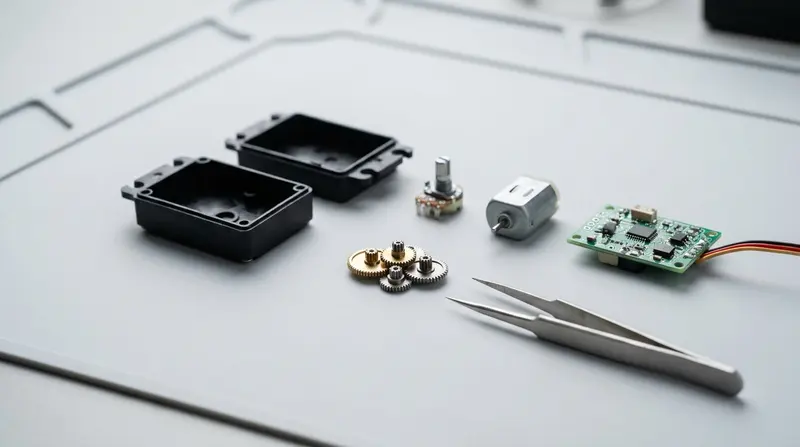
If you want to fix robot vacuums, servos and other small devices yourself, you don't need to buy every tool at once. Start with the basics for disassembly and measurement, then add tools as specific problems come up — that's the cheapest way.
This list is split into five groups by purpose. The safety sections draw on material from the UK Health and Safety Executive (HSE) and iFixit; sources are listed at the end.
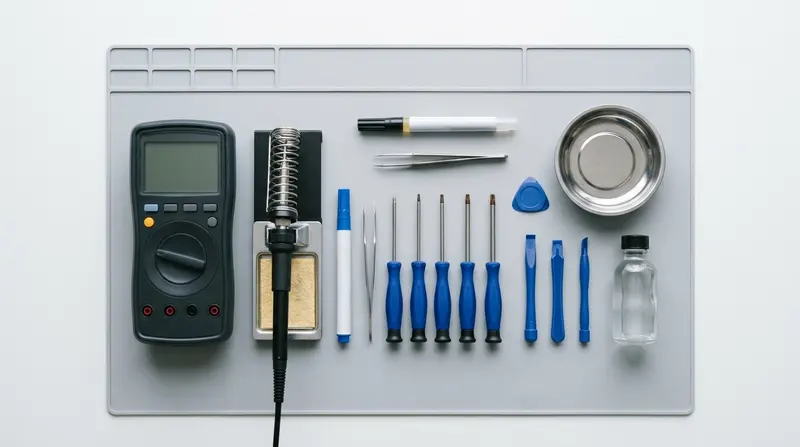
Disassembly: screwdrivers, pry tools, tweezers
You'll use disassembly tools the most, so they're worth buying a little better.
- Precision screwdriver set: common sizes include Phillips (PH000 / PH00 / PH0), Torx (T5 / T6 / T8) and hex. Devices vary a lot, so check which screws yours uses before buying
- Plastic pry tools and spudgers: open snap-fit cases with less risk of scratching than metal tools
- Anti-static tweezers: for small parts and ribbon cables
- Parts tray or magnetic mat: keep screws separated by step so nothing gets mixed up on reassembly
Bit quality decides whether you strip screws. Buy fewer sizes if you must, but make sure they're hard enough.
Measurement: a multimeter is your first electronic tool
Measuring voltage, continuity and resistance — nearly every power problem needs a multimeter.
- An auto-ranging digital multimeter is plenty to start with
- Make sure it has a continuity beeper; it's how you find broken wires and check common grounds
- Multimeters are rated with safety categories like CAT II and CAT III. That doesn't matter much for low-voltage electronics, but if you'll ever measure mains outlets, choose a meter with the right rating. Beginners shouldn't touch mains power
- USB power meter: plugs in between charger and cable to show actual voltage and current, so you can tell whether a charger or cable is working
Soldering: temperature-controlled station, solder and flux
- A temperature-controlled soldering station is much easier to control than a fixed-wattage iron
- Solder wire, flux, and desoldering braid or a solder sucker
- A sponge or brass wool for cleaning the tip, plus an iron stand
Don't ignore solder fumes. HSE guidance notes that fume from rosin-based flux is a common cause of occupational asthma, and contact with the fume and residue can cause dermatitis; raising the iron from 250°C to 400°C can triple the amount of fume. HSE's recommendations include choosing rosin-free or low-rosin flux where possible, keeping the area ventilated, using temperature-controlled irons, positioning yourself so your head stays out of the fume, and using local exhaust ventilation (such as a filtered fume extractor).
In day-to-day practice:
- Solder somewhere ventilated, and use a fume extractor or small fan to pull fumes away from your face
- Use just enough heat — don't leave it at maximum
- Keep your head out of the rising fume instead of leaning in close to the joint
- Wash your hands afterwards, and don't eat while soldering
Cleaning and lubrication
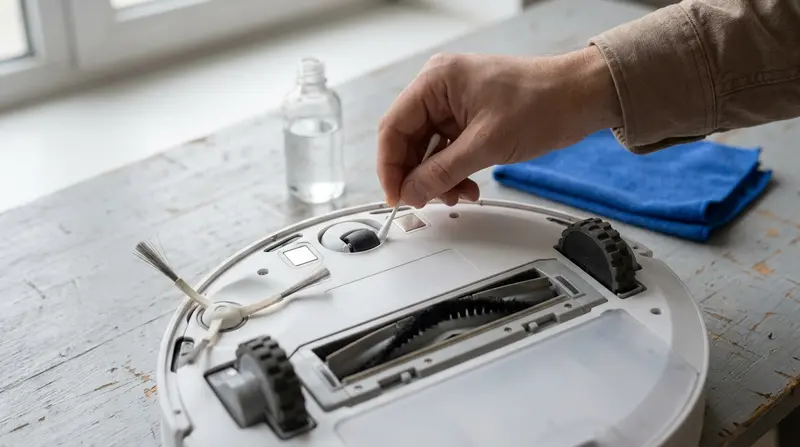
- High-purity isopropyl alcohol with lint-free wipes and swabs: for cleaning contacts and circuit boards. Isopropyl alcohol is flammable, so keep it away from the iron and open flames
- Soft brushes and an air blower: for dust and hair
- Grease: choose by part material; plastic gears need a plastic-safe grease
Protection: static and lithium batteries
Electrostatic discharge (ESD). iFixit notes that people usually only feel a static discharge above about 2,000 volts, yet much lower voltages can still damage sensitive components. They recommend:
- Remove rings, watches and bracelets
- Keep new parts in their anti-static bags until you're ready to install them
- Touch a metal object before you start to discharge yourself
- Use a grounded anti-static mat and wrist strap. A wrist strap only works if it's grounded
iFixit also stresses that ESD precautions won't protect you from high-voltage discharge from large capacitors or power supplies. Be extra careful with power adapters and switching power supplies — beginners shouldn't open them.
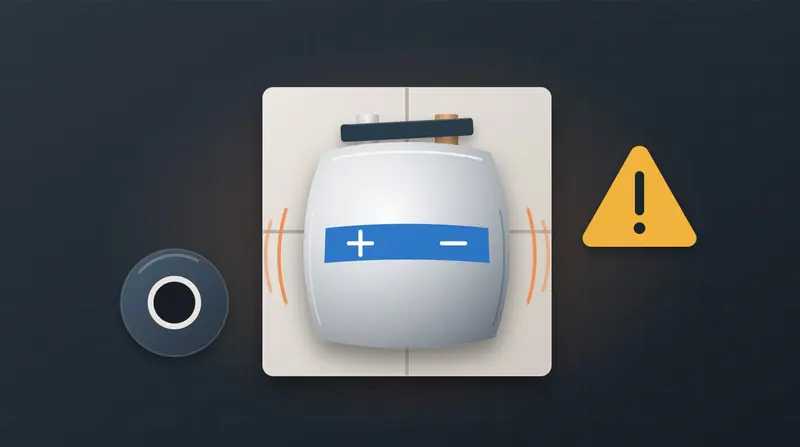
Lithium batteries. Lithium batteries are among the things on your bench that need the most care: never short the terminals, never puncture or crush a cell, and don't charge or use a swollen battery. For details, see What to do about a swollen lithium battery.
Also wear safety glasses when clipping leads and soldering to protect against flying bits and solder splashes.
Storage: the most underrated tool
- Compartment boxes, sorted by device and by step
- Small zip bags and labels noting which device and which step each part came from
- Take photos before disassembly and compare when reassembling
Three suggested setups
| Level | Includes | Good for |
|---|---|---|
| Starter | Screwdriver set, pry tools, tweezers, multimeter, parts tray | Disassembly, cleaning, simple troubleshooting |
| Intermediate | Starter + temperature-controlled station, solder and flux, ESD mat and wrist strap, USB power meter, fume extractor | Soldering wires, replacing connectors and potentiometers |
| Advanced | Intermediate + oscilloscope, hot air station, magnifier lamp | Board-level repair |
References
- UK Health and Safety Executive (HSE): Controlling health risks from rosin (colophony)-based solder flux fume (INDG249) (PDF)
- iFixit: ESD
- For lithium battery sources, see the end of What to do about a swollen lithium battery
This article is compiled from the public sources above and general repair experience, rewritten in my own words rather than translated word for word. Sources accessed in October 2026.
Parts & tools coming soon
Servo gears, robot vacuum consumables and repair tools are not on sale yet; you can check the reference prices.